Desktop app
Download Jamaster
Your institution on your computer: notifications, offline reading and automatic updates in a single window.
Download for WindowsDownload for macOSDownload for LinuxDownload on the App StoreGet it on Google PlayAll platforms
Free · Updates automatically · Sign in with your institution account
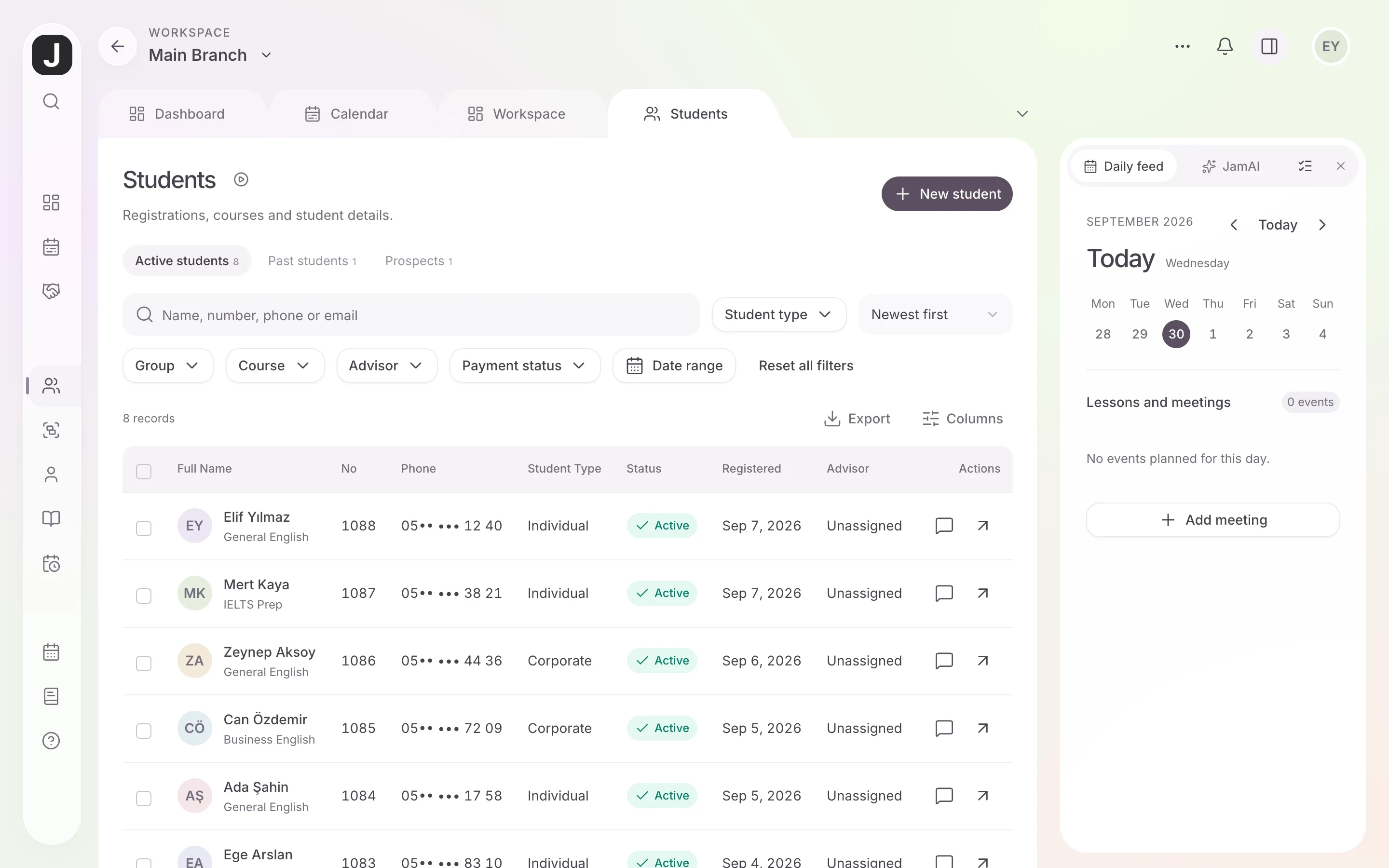
All platforms
Good to know
You need your institution address and a Jamaster account to sign in; use the same details as on the web.
The app checks for new versions itself and installs them with your approval.
When the connection drops, you can still view the pages you opened before.
The Windows installer is not code-signed yet, so SmartScreen may show "Windows protected your PC" on first install. Choose More info → Run anyway; in-app updates are signed.
No account yet? Request a demo
On your phone and tablet


Move your institution to Jamaster LMS
Try every feature with a free 10-day demo account. We migrate your existing student and payment lists for free, and your team can start right away with nothing to install.
- Free 10-day demo
- Free data migration
- 47 ready-made reports
- Nothing to install, runs in the browser